A read-only SD card means you can merely view the files on it, but impossible to edit, copy, delete or even change the file name. The terrible situation could be caused due to a counterfeit memory card, wrong setting, system glitch or virus attack. Is it possible to restore files from a read-only card on an Android mobile phone? The answer is yes.


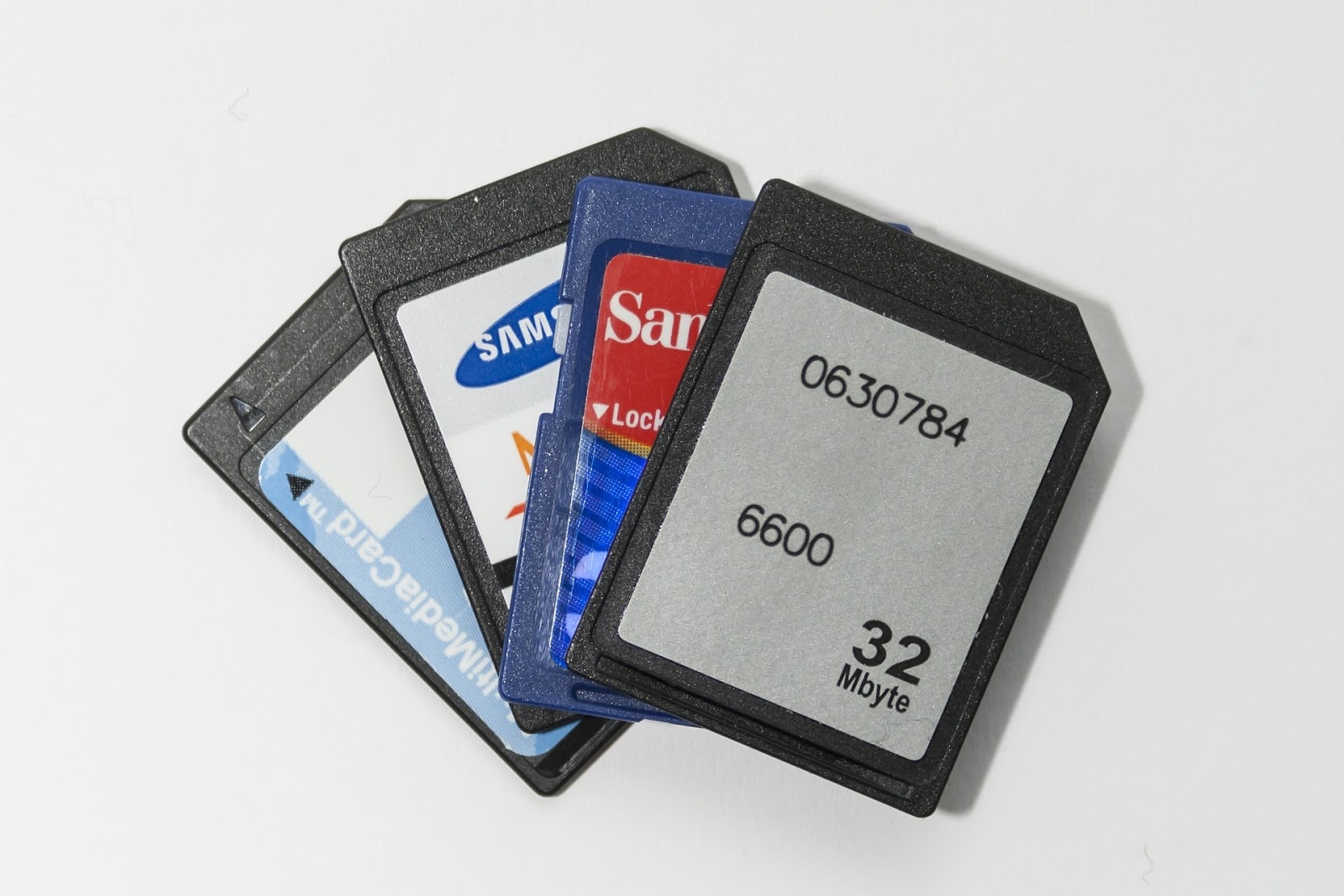
How to Restore Data from Read-only Memory Card on Android
Step 1. Free download and install the Android data recovery app on PC.


Step 3. Tick the files and click Next.

Step 4. Connect your Android device with the read-only SD card to PC via a USB cable.


Step 5. Follow on-screen manual to allow the program to recognize your phone.


Step 6. Scan the device.
Step 7. Preview and Recover files from Android SD card.
you will need a professional data recovery for Android - Erelive Data Recovery for Android.https://www.erelive.com/recover-deleted-snapchat-photos-android/
ReplyDeleteyou will need a professional data recovery for Android - Erelive Data Recovery for Android.https://www.erelive.com/recover-deleted-snapchat-photos-android/
ReplyDeleteThanks for your tips. I will definitely keep your points in my mind. I back up my data before formatting the SD card. I am using I am using Kingston 128GB Canvas Select Plus SD (SDXC) Card. I got this product within 3 days after I ordered. I thank BuyKingston for super fast delivery.
ReplyDelete